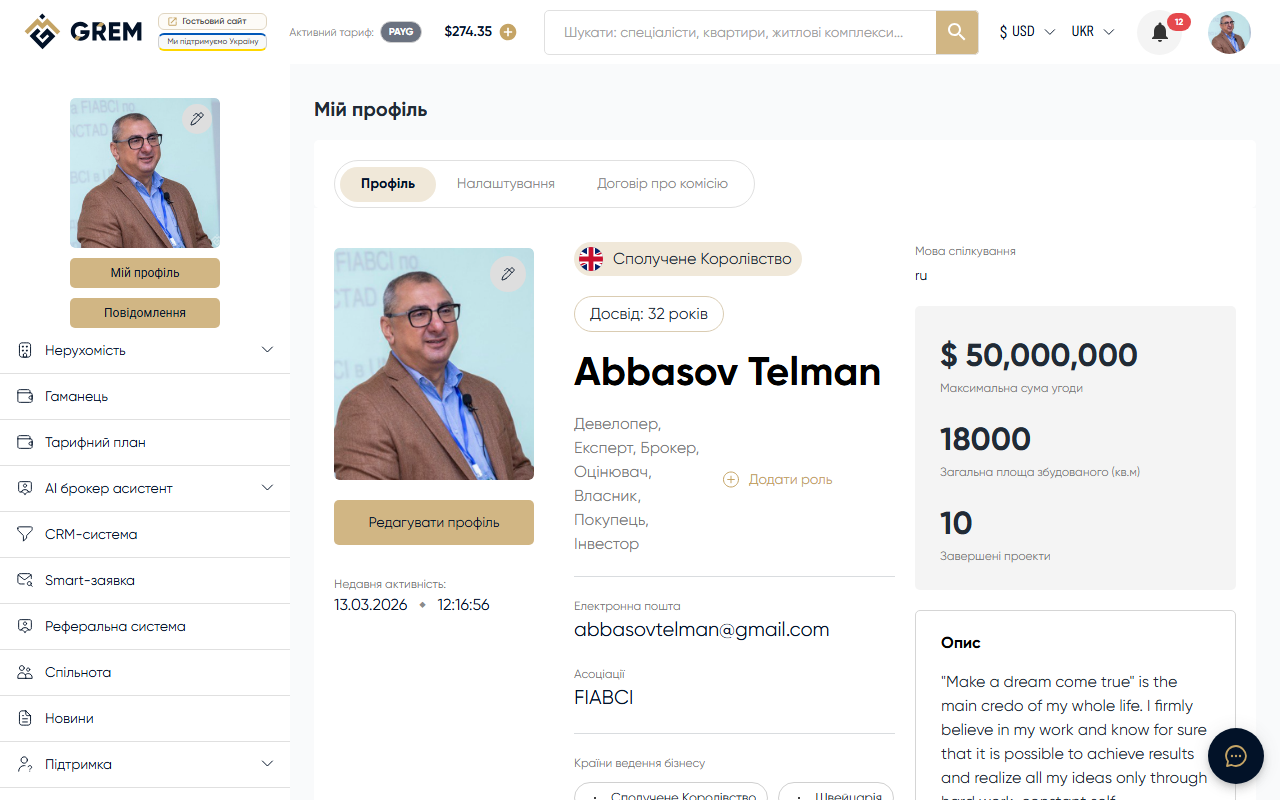
Why Verification Matters
Verification confirms your identity and builds trust in your profile. The GREM platform has two verification levels: primary (basic) and document verification. Each level unlocks additional features and increases your profile's visibility in the community directory.
Primary Verification (Basic)
Basic verification happens automatically when you meet two conditions:
-
Email confirmation: after registration, a confirmation link is sent to your email. Click it to activate your account. After that, your account is considered confirmed.
-
Filling in required profile fields: enter the following details in your profile:
- First name (in Latin script)
- Last name (in Latin script)
- Country
- Communication language
When both conditions are met, your profile receives a confirmed status and becomes visible to other users in the community directory.
Without basic verification, your profile does not appear in the community directory. Make sure all required fields are filled in.
Document Verification
The second level of verification provides a higher level of trust. It involves filling in document details and uploading scans.
Document Details
In the identity verification section of your community profile, fill in the following fields:
- Country of issue: the country where the document was issued
- Series and number: the document serial number
- Date of issue: the date the document was issued
- Gender: male, female, or other
- Date of birth: your date of birth
- Place of birth: place of birth as stated in the document
Uploading Document Photos
After filling in the fields, upload scans or photos of your identity document (passport, ID card, or driver's license). These files are stored in your community profile.
Document photo requirements:
- Clear image without blur
- All data on the document must be legible
- Photo without foreign objects or glare
- Format: JPG, PNG, or PDF
Upload only authentic documents. Submitting forged documents will result in account suspension.
Certificates and Licenses
If you have professional certificates or licenses, upload their scans in the corresponding section of your community profile. This further confirms your qualifications and increases trust from potential clients.
What Each Level Provides
Basic Verification
- Profile becomes visible in the community directory
- Ability to interact with other users
- Verified profile badge
Document Verification
- Higher level of trust in the profile
- Increased visibility in search results
- Identity confirmation for clients and partners
- Access to features that require identity verification
Profile Completeness
In addition to verification, the platform tracks profile completeness. An indicator shows the percentage of fields filled in. A profile with basic verification, completed document details, and uploaded certificates has the highest ranking in community search.