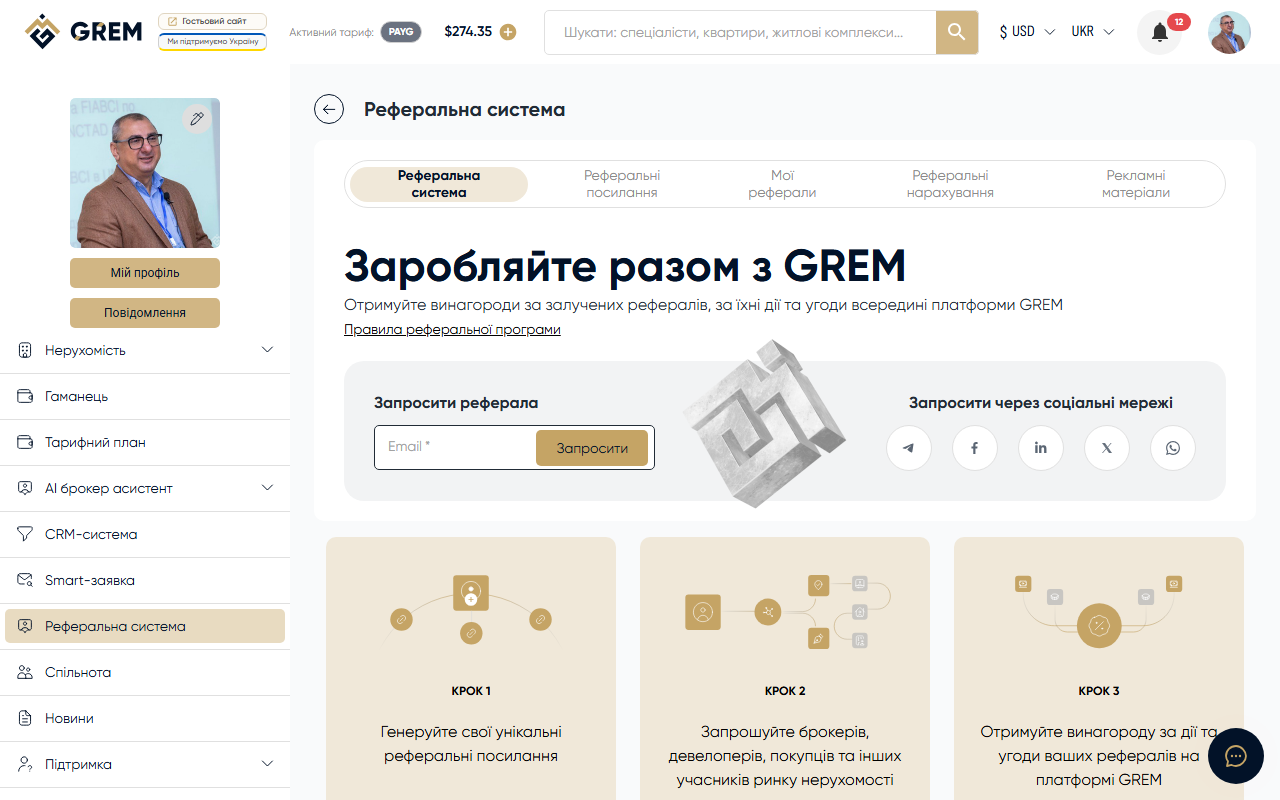
Managing Referral Links
Every GREM Capital user receives a set of referral links. You can customize them, track statistics, and send invitations directly.
Creation and Settings
On the /referrals page you can:
- View all your referral links
- Copy a link to share
- Reset a link code (generate a new one)
- Edit the short code
Each link has a unique short code that is easy to remember and share.
Link Types
| Type | URL | Target Audience |
|---|---|---|
| Default | /ref/ | General invitation |
| Main | /ref//main | Main registration |
| Investor | /ref//investor | Investors |
| Developer | /ref//developer | Developers |
| Broker | /ref//broker | Brokers |
Different link types direct users to the corresponding registration pages with a pre-selected role.
Email Invitations
You can send an invitation directly:
- Click "Send Invitation"
- Enter the email address
- The system will send an email with your referral link
Tracking Statistics
Statistics are available for each link:
| Metric | Description |
|---|---|
| Clicks | How many times the link was clicked |
| Registrations | How many users registered |
Statistics are updated in real time.
Use different link types for different distribution channels. This helps you understand which channel works best.