Why Confirm Your Email
After registering on the GREM Capital platform, you need to confirm your email address. Without confirmation, some platform features may be restricted.
Confirmation ensures that you have access to the specified email and can receive important notifications: property status changes, support responses, and messages from clients.
How to Confirm
- Register on the platform (if you haven't already)
- Check the inbox of the email address you provided during registration
- Find the email from GREM Capital with a confirmation subject line
- Click the link in the email
- You'll see a message confirming successful verification
If the email isn't in your inbox, check your "Spam" or "Promotions" folder. Emails from the platform sometimes end up there.
Resending the Confirmation Email
If you didn't receive the confirmation email or the link doesn't work:
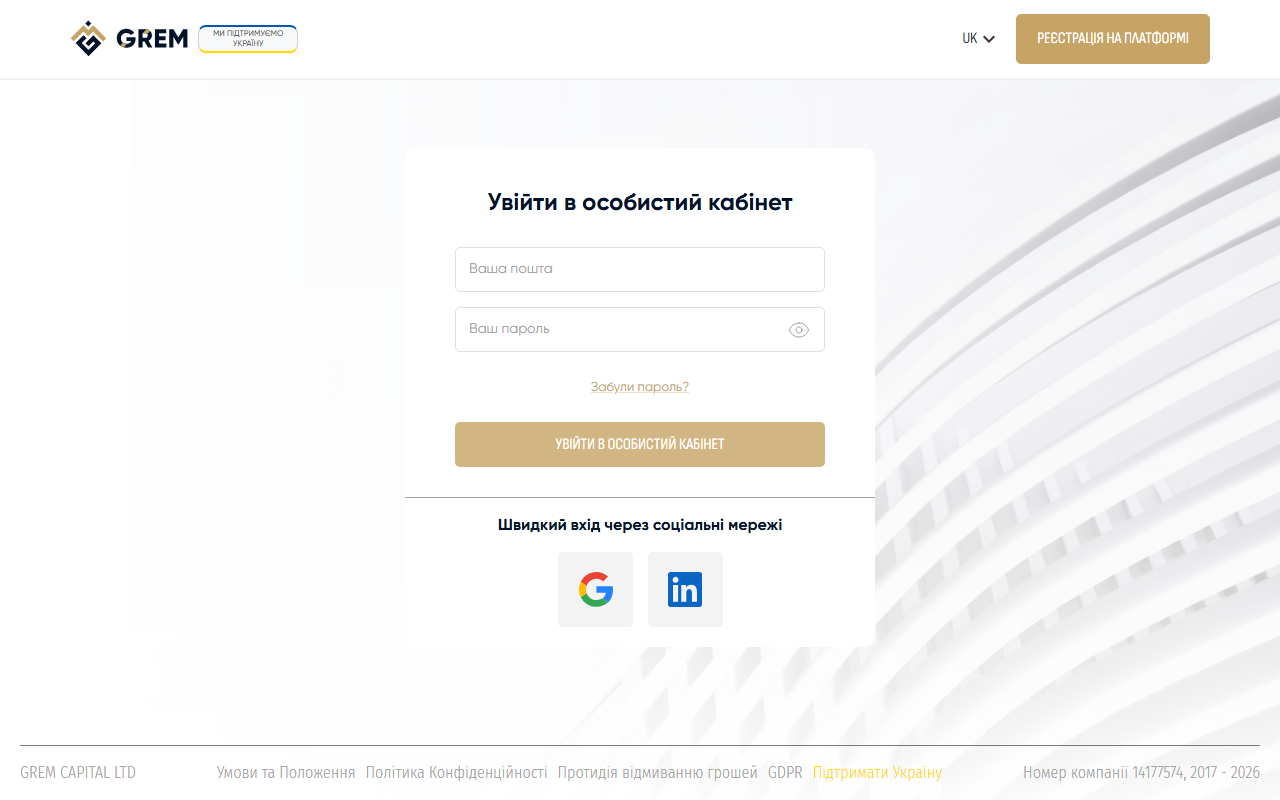
- Sign in to the dashboard with your email and password
- The system will offer to resend the confirmation email
- Click the resend button
- Check your email — the new message will arrive within a few minutes
Each resend generates a new link. The previous link becomes invalid.
What's Next
After confirming your email, we recommend:
- Set up your profile — add your name, country, and photo
- Explore the navigation — learn about the dashboard sections
- Create your first property — add a property to the platform
The email confirmation link is single-use. Once used, it becomes invalid. If you need to confirm again, use the resend function.