Deal Finalization
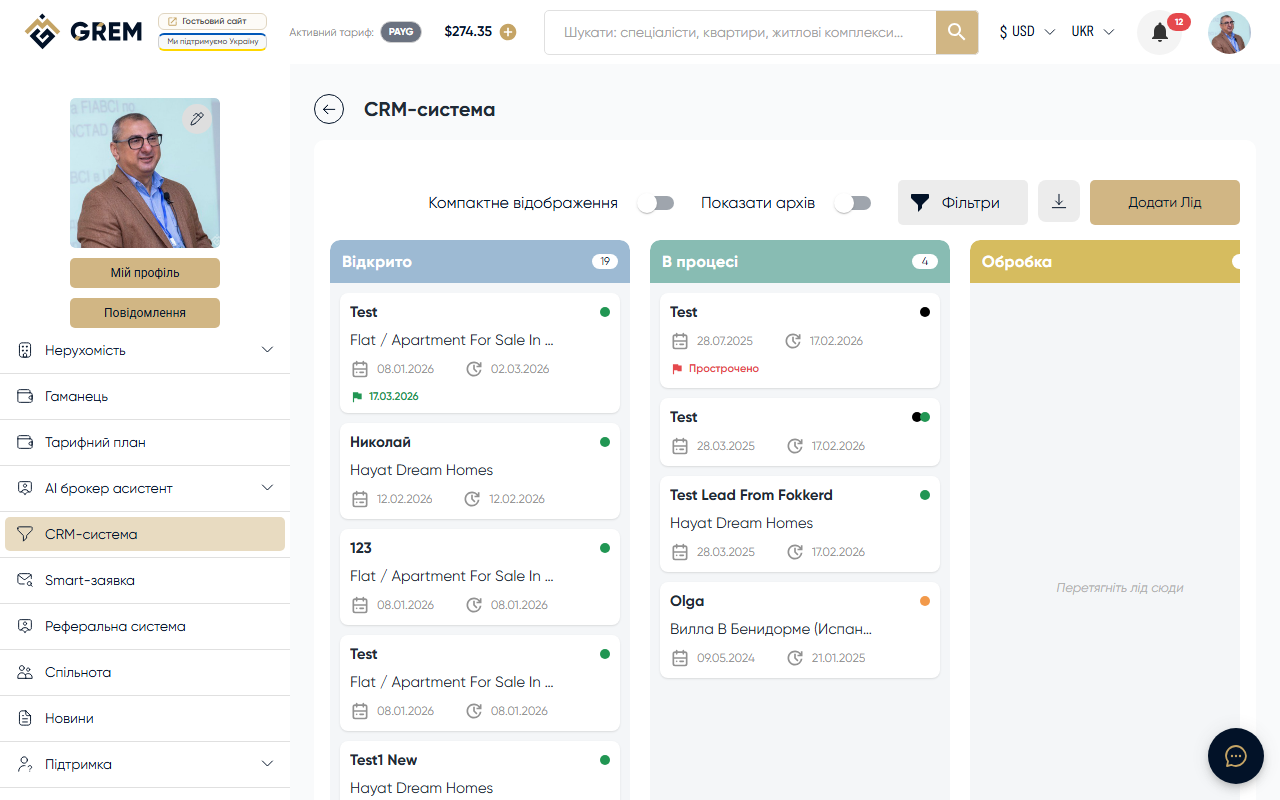
When a lead is moved to the Completed stage on the Kanban board, the system automatically opens the finalization dialog. In this dialog, the broker records the financial details of the deal.
Finalization Fields
| Field | Description |
|---|---|
| Deal amount | Actual sale or rental amount |
| Commission | Automatically calculated from the contract percentage |
For Contract-type leads, the commission is calculated automatically based on the percentage specified in the contract with the property owner. For other lead types, the commission can be entered manually.
Approval Statuses
After finalization, the deal goes through a sequential chain of approvals:
| Status | Approved by | Description |
|---|---|---|
| New (new) | — | Deal created, awaiting first level of approval |
| Owner Approved (owner-approved) | Property owner | Confirmation of the amount and deal terms |
| Platform Approved (platform-approved) | Administration | Compliance check with platform rules |
| Pay Approved (pay-approved) | Finance department | Confirmation that the payout is ready |
| Closed (closed) | System | Deal completed, rewards credited |
| Rejected (rejected) | Administration | Deal rejected with a comment. Can be corrected and resubmitted |
| Archived (archived) | System | Deal moved to archive |
A deal is not considered complete until all approval stages are passed. Each stage requires confirmation from the responsible party.
Reward Calculation
After the final approval, the system automatically calculates and distributes rewards:
Commission Distribution
| Recipient | Calculation | Description |
|---|---|---|
| Broker | Main portion of commission | Reward for closing the deal |
| Referral | 10% of broker's commission | Reward for referring the broker |
| Platform | Remainder | GREM platform fee |
The broker's reward is credited to the GREM wallet balance after the deal transitions to the closed status.
Administrative Approval Process
The platform administrator sees a list of deals pending approval in the admin panel. For each deal, the following options are available:
- View lead and contract details
- Verify the amount and commission
- "Approve" and "Reject" buttons
When rejected, the deal returns to the previous stage with the administrator's comment.
Tracking Deals
All completed and active deals are available in the CRM by filtering by the Completed stage. The history of status changes is stored in the lead's audit trail.
Learn more about the audit trail: Lead Chat
Amounts in the CRM are displayed in USD. Conversion to other currencies for internal calculations is performed at the current platform exchange rate.