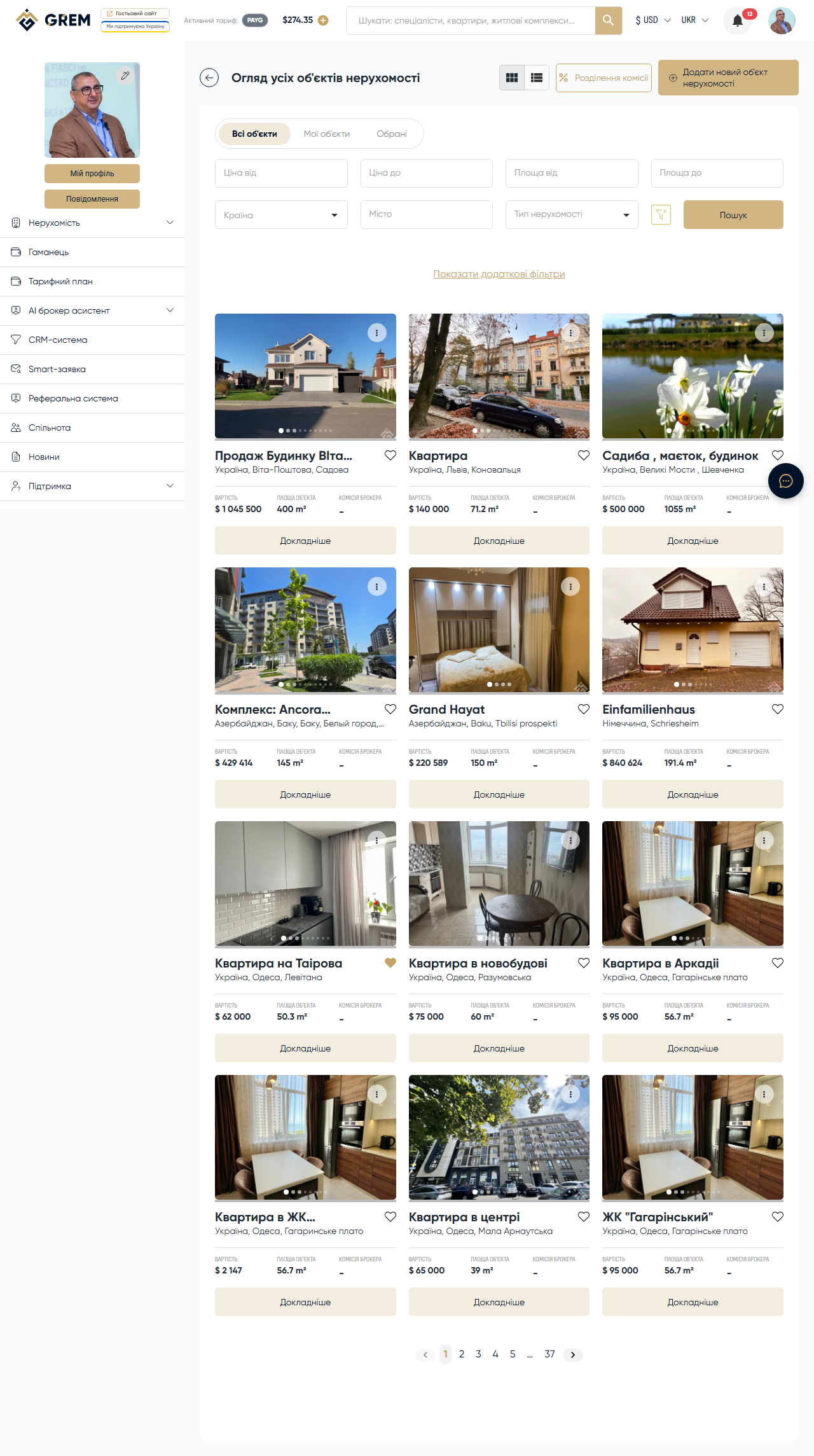
Property Landing Pages
For every active property, the GREM Capital platform automatically generates a public landing page. This page is accessible via a unique URL and is designed to showcase the property to potential buyers or tenants.
What the Landing Page Includes
The automatically generated page contains:
- Photo gallery with zoom capability
- Property title and description
- Property type and subtype
- Technical specifications (area, rooms, floor, etc.)
- Price in the selected currency
- Location on the map (if geolocation is provided)
- Contact form for potential buyers
- Agent or owner contact information
Landing Page Link
A short URL is created for each landing page, making it easy to share with clients.
This link can be:
- Sent directly to a client
- Posted on social media
- Included in email campaigns
- Used in advertising campaigns
Commission Split Contract
Before publishing a property (transitioning from "Draft" to "Moderation" status), you must sign a commission split contract.
The contract defines:
- Commission amount per deal
- Split between participants (platform, agent, broker)
- Payment terms
Without a signed commission split contract, you cannot submit a property for moderation. Make sure the contract is signed before attempting to publish.
Landing Page Settings
You can manage the landing page display through the property settings in the dashboard:
| Setting | Description |
|---|---|
| Visibility | Enable or disable the public landing page |
| Contact form | Activate the form to receive inquiries from buyers |
| Contact details | Choose which contact information to display (phone, email, messenger) |
Lead Tracking
When a potential buyer fills out the contact form on the landing page, you receive:
- A notification in the dashboard and mobile app
- Lead data: name, contact, message
- The ability to reach the lead through the built-in messenger or external channels
The form is protected from spam with three layers:
- Hidden honeypot field — automatically detects bots
- Rate limiting — limits the number of submissions from a single address
- Automatic verification — invisible visitor verification
Check incoming leads regularly and respond as quickly as possible. Statistics show that responding within the first hour significantly increases the chance of a successful deal.
Best Sale (Featured)
Platform administrators can mark a property with a "Best Sale" (featured) flag. Such properties:
- Receive a special badge in the catalog
- Appear at the top of search results
- Are highlighted on the landing page homepage
The "Best Sale" flag is set exclusively by platform administrators. Contact support if you believe your property deserves this distinction.
Social Media Publishing
In addition to the landing page, you can publish a property to social media through the Publisher tool:
- TikTok
- YouTube
To do this, connect your social media accounts in the "Tools" > "Publisher" section of the dashboard. Learn more about Publisher in the AI Tools section.
Related Articles
- Creating a Property — how to create and fill out a property card
- Property Statuses — how moderation and publishing work
- Photos and Documents — how to prepare media for the landing page