Property Photos
High-quality photos are a key factor in attracting attention to a property. GREM Capital lets you upload multiple photos and automatically optimizes them for display across different devices.
Uploading Photos
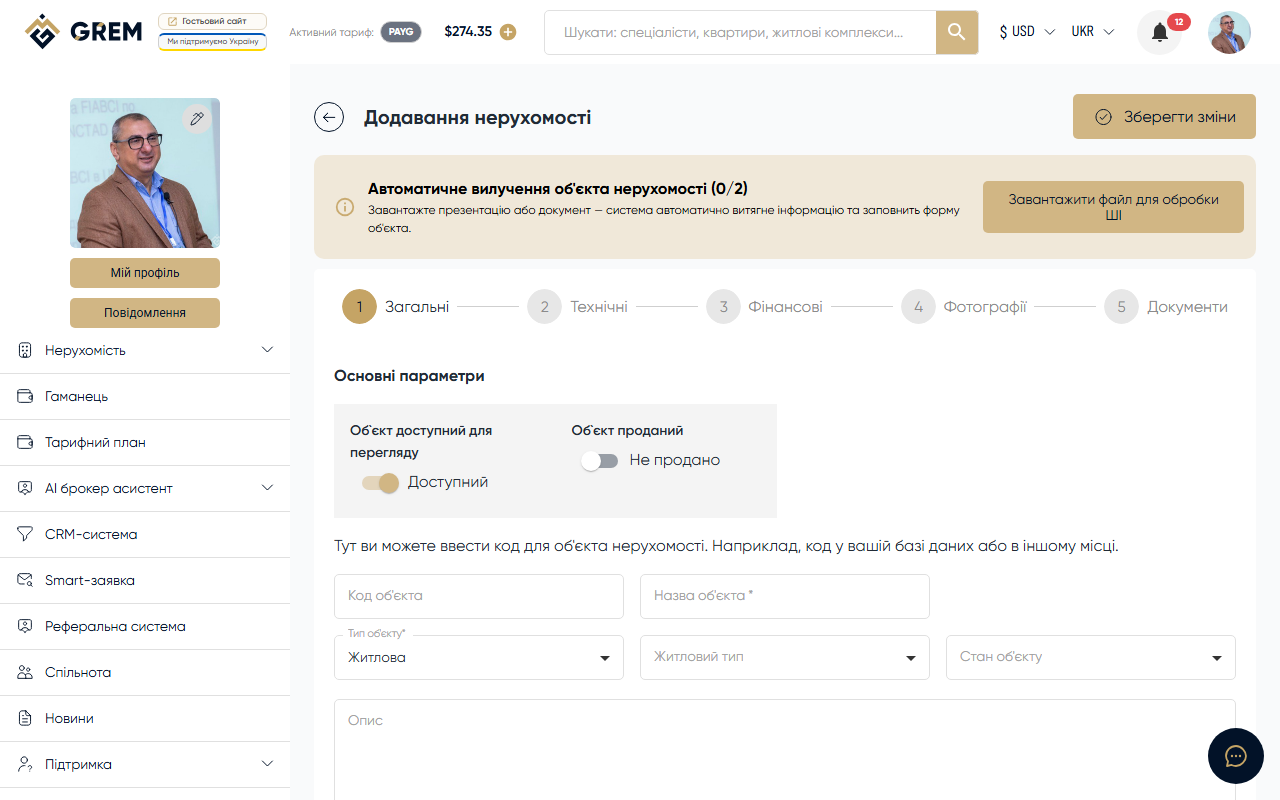
Photos are uploaded at Step 4 (Photos and Video) when creating a property or by editing an existing property.
Photo requirements:
| Parameter | Value |
|---|---|
| Formats | JPEG, PNG, WebP |
| Maximum file size | 20 MB |
| Maximum resolution | 4096 x 4096 pixels |
Automatic Processing
After upload, the system automatically generates multiple variants of each photo in different sizes. This ensures fast loading on any device:
- Thumbnail for catalog and list views
- Medium size for the property card
- Full size for detailed viewing
Main Photo
From all uploaded photos, you select one as the main photo. This photo is displayed:
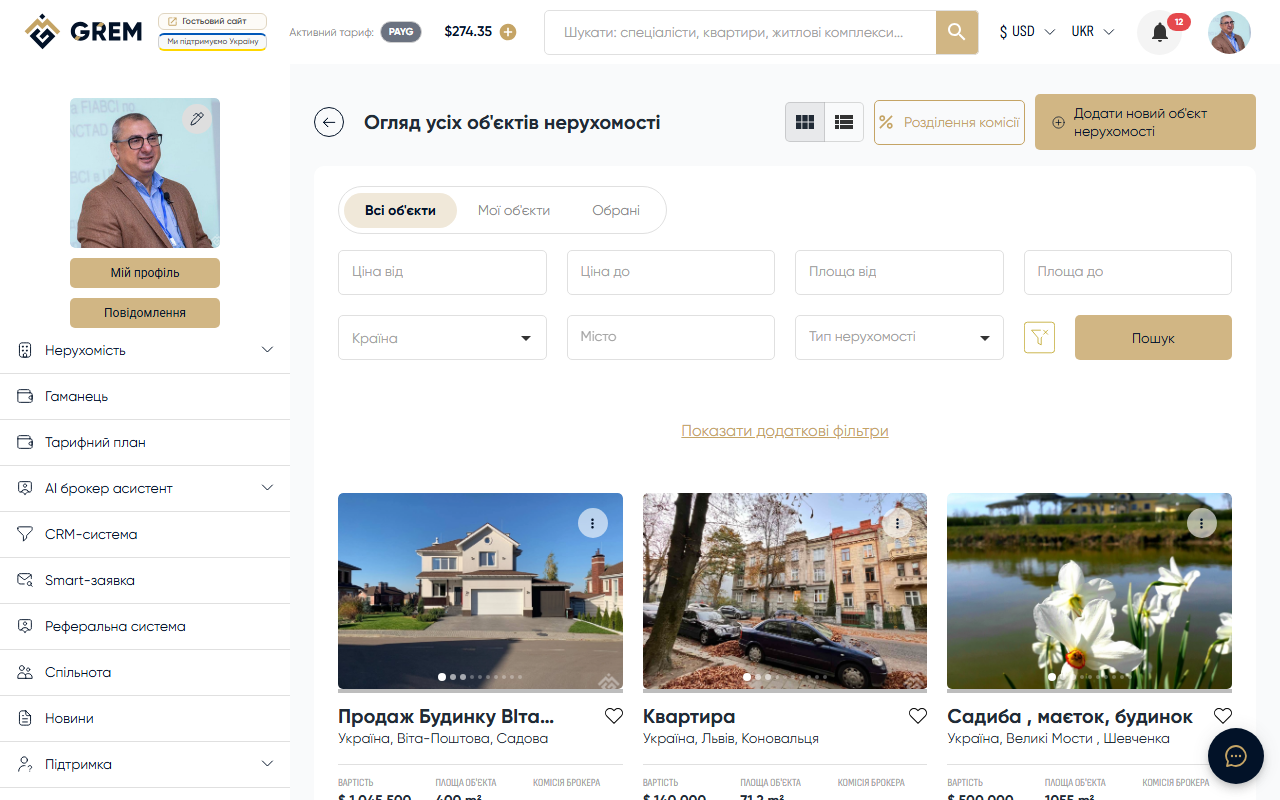
- In the property catalog (grid and list views)
- On the property card in search results
- On the property landing page
- In PDF presentations
If no main photo is selected, the system uses the first uploaded photo.
AI Photo Enhancement
The platform offers an AI tool for enhancing real estate photos. Three modes are available:
| Mode | Description |
|---|---|
| Cleanup | Remove unwanted objects from photos: furniture, clutter, extra items |
| Enhance | Improve photo quality: color correction, lighting, contrast |
| Staging | Add virtual furniture and decor to empty rooms |
For Staging mode, the following options are available:
- 7 room types: living room, bedroom, kitchen, bathroom, dining room, office, exterior
- 6 styles: modern, Scandinavian, industrial, luxury, minimalist, coastal
Enhancement results can be:
- Applied to the property gallery (replace or add as a new photo)
- Downloaded as a ZIP archive
- Compared with the original using a "before/after" slider
AI photo enhancement is paid from your GREM wallet balance. Make sure you have sufficient funds before using it. Daily limit: 5 enhancements.
Documents
At Step 5 (Documents), you upload supporting documents. They are divided into three categories.
Floor Plans
- Floor layouts
- Site plans
- Master plans (for complexes)
- Formats: PDF, JPEG, PNG
Owner Documents
Title deeds for the property:
- Certificate of ownership
- Registry extract
- Technical passport
- Formats: PDF
Agency Documents
Documents from the agency or broker:
- Agreement with the owner
- Property inspection report
- Permits and licenses
- Formats: PDF
Owner and agency documents are only accessible to authorized users. They are not displayed on public landing pages.
Media Management
In an existing property card, you can:
- Add new photos and documents
- Delete existing files
- Change the main photo
- Reorder photos by dragging
- Apply AI enhancement results to the gallery
All changes are saved automatically after confirmation.