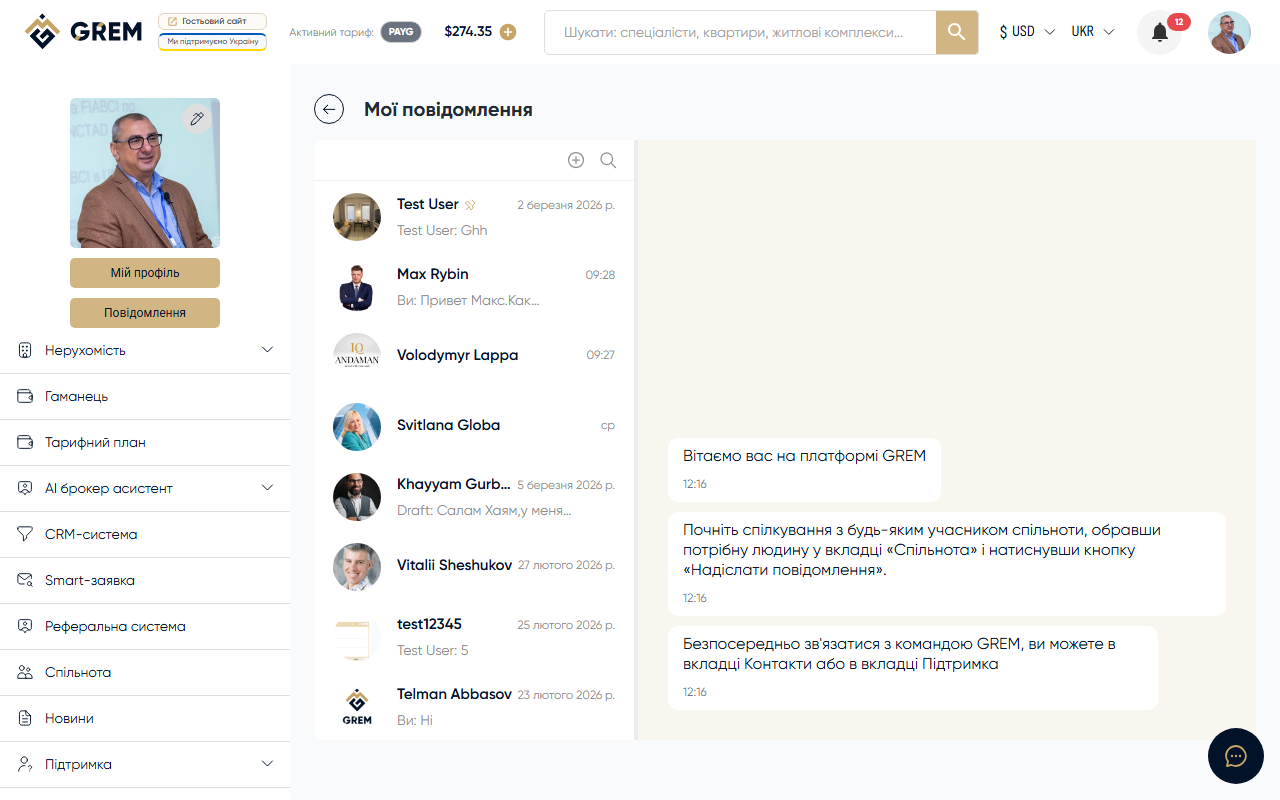
Individual Chat Settings
Each chat has individual settings. Settings are accessible via the chat context menu or the info panel.
Muting Notifications
Muting notifications is a simple toggle (on/off). Select "Mute Notifications" in the chat context menu to change the state.
What Happens When Muted
- Push notifications for this chat are not sent
- The chat remains in the list
- New messages continue to arrive
- The unread message counter still updates
- A crossed-out bell icon marks the muted chat
To re-enable notifications, select "Unmute Notifications" in the context menu.
Muting only affects push notifications. You still see new messages in the chat list and the unread counter.
Pinning a Chat
A pinned chat always appears at the top of the chat list, regardless of the last message time. You can pin multiple chats at once.
To pin:
- Open the chat context menu (right-click or long press)
- Select "Pin"
Clicking again unpins the chat.
Archiving a Chat
An archived chat disappears from the main list but is not deleted:
- Messages are preserved
- The chat is accessible via the "Archived" filter
- A new message automatically unarchives the chat
To archive, select "Archive" in the chat context menu.
If someone writes in an archived chat, it automatically returns to the main list. This ensures you do not miss new communication.
Unread Message Counter
The badge system tracks unread messages:
| Element | Where displayed |
|---|---|
| Chat badge | On the chat avatar in the list — number of unread messages |
| Total badge | On the messenger icon in the navigation — sum across all chats |
How the Counter Resets
- Automatically when you open the chat and scroll to the last message
- The server receives a "read" event automatically
- The badge updates in real time for both participants
Settings Summary
| Setting | Action | Reverse action |
|---|---|---|
| Mute | Disable notifications | Enable notifications |
| Pin | Pin to top | Unpin |
| Archive | Hide from list | Unarchive (or receive a new message) |
Related Sections
- Messenger Overview — general information
- Direct Chats — one-on-one chats
- Group Chats — chats with multiple participants