Property Classification
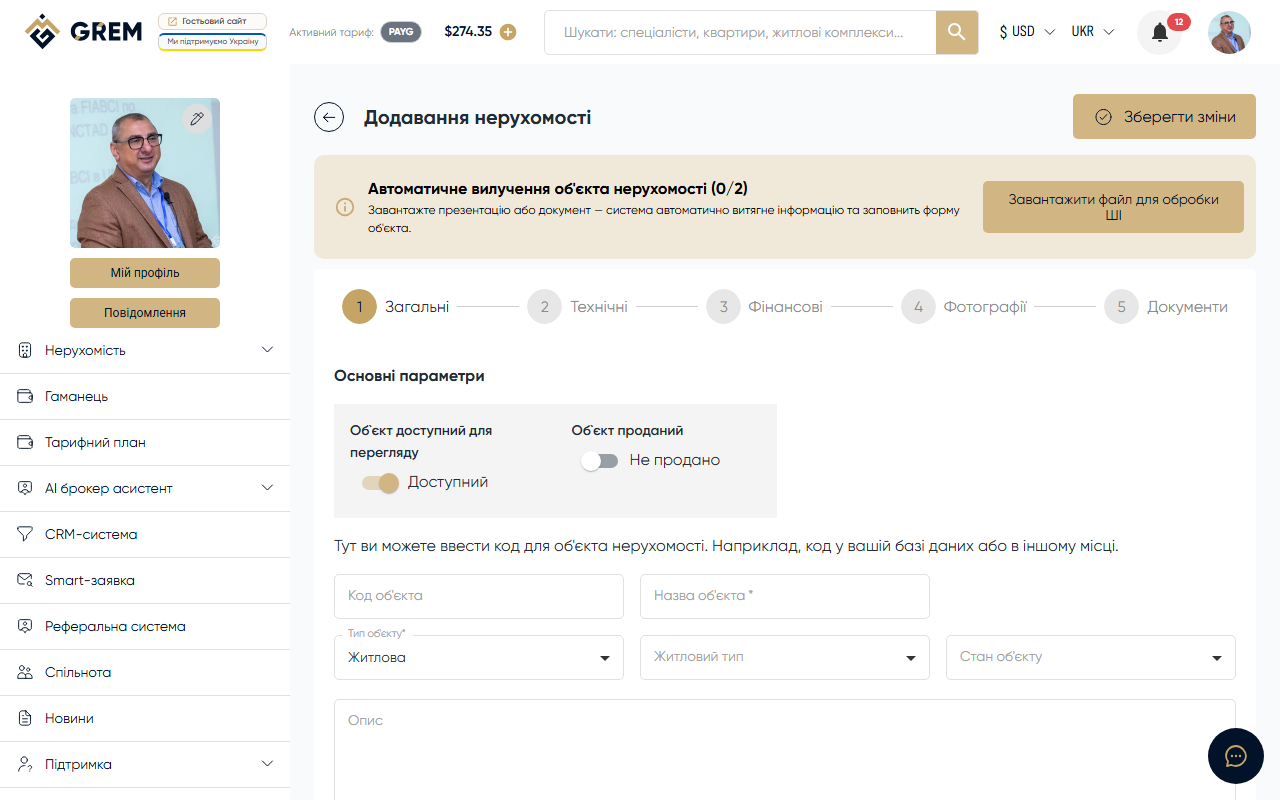
Every property on the GREM Capital platform has a required type. The type determines the available subtypes and specific fields in the technical specifications. The type is selected at the first step of property creation and cannot be changed after saving.
Residential
The most common type. Includes properties intended for living.
| Subtype | Description |
|---|---|
| Flat | Apartment in a multi-unit building |
| Apartments | Serviced apartments or apart-complexes |
| House | Standalone residential house |
| Condos | Unit in a condominium with shared areas |
| Townhouse | Row house with a separate entrance |
| Villa | Suburban villa or premium cottage |
Residential-Specific Fields
- Number of rooms
- Area: total, living, kitchen
- Floor and total floors in the building
- Balcony/loggia
- Bathrooms (count, type)
- Ceiling height
- Heating type
Commercial
Properties for business and commercial use.
| Subtype | Description |
|---|---|
| All-purpose | Multi-use premises suitable for various activities |
| Office | Office space or business center |
| Trading | Retail spaces, shops, shopping centers |
| Hotel | Hotels, hostels, hotel complexes |
Commercial-Specific Fields
- Total area
- Floor and total floors
- Parking (type, number of spaces)
- Utilities
- Building type
Industrial
Manufacturing and warehouse properties.
| Subtype | Description |
|---|---|
| Factories | Manufacturing facilities, plants, workshops |
| Warehouses | Warehouse facilities, logistics centers |
| Hangars | Hangars, large covered spaces |
| Complexes | Industrial complexes with multiple buildings |
Industrial-Specific Fields
- Total area
- Ceiling height (critical for warehouses and hangars)
- Utilities (electricity, water, gas, sewage)
- Building type and wall material
- Parking and access roads
Land Plot
Land plots of various designated uses. This type has no subtypes.
Land Plot-Specific Fields
- Plot area (in sq.m or hectares)
- Designated use
- Utilities (connected or connection available)
- Geolocation (coordinates and plot boundaries)
Residential Complexes and Rentals
A residential complex is not a property type. It is a separate section on the platform created by development companies to showcase their projects.
Rentals are also a separate section with their own data structure and creation process.
When creating a property, you choose one of 4 types: Residential, Commercial, Industrial, or Land plot. Complexes and Rentals are created through separate sections.
Choosing the Type During Creation
The property type is selected at the first step of the creation form. After selecting a type:
- The list of available subtypes is displayed (if any)
- Type-specific fields appear at the technical specifications step
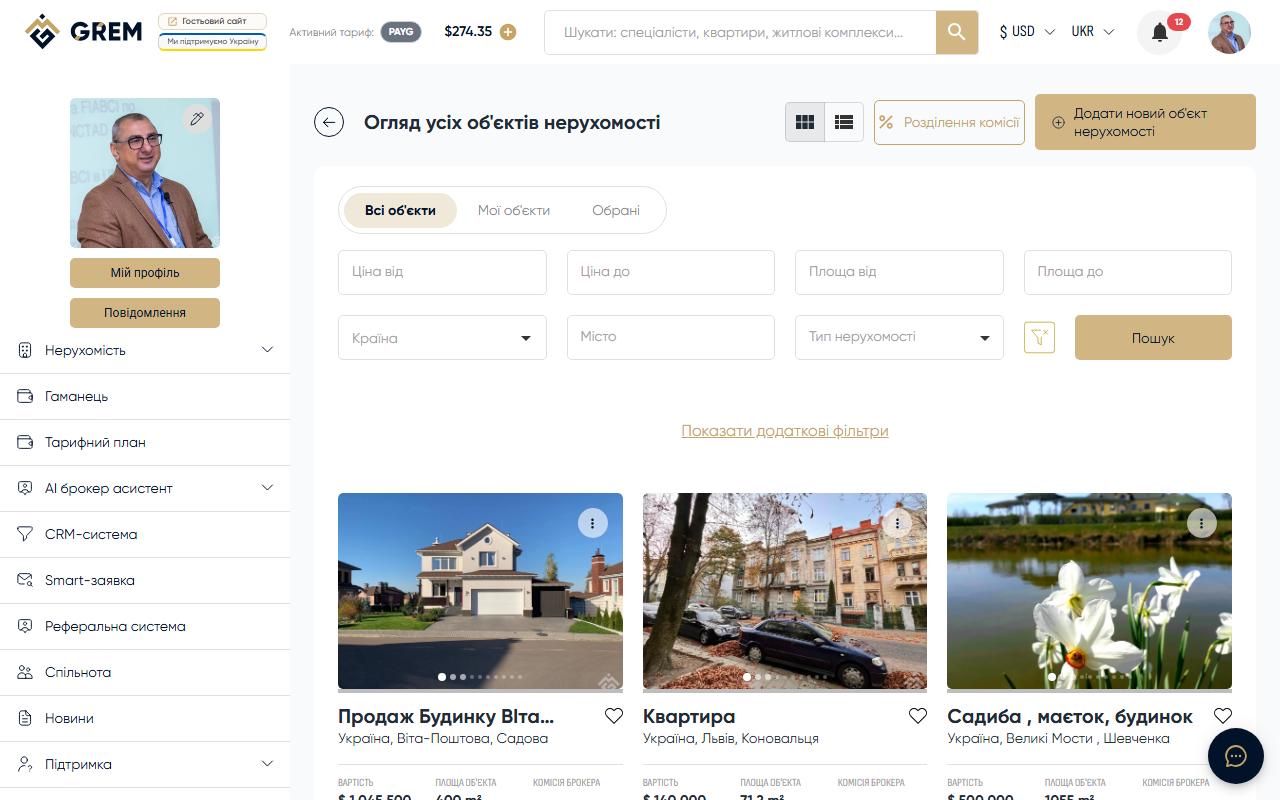
- Search filters allow searching by type and subtype
The property type cannot be changed after saving. If you selected the wrong type, create a new property with the correct type.
The full creation process is described in the Creating a Property article. Searching by type is described in the Property Search article.