Why Complete Your Profile
After registration, your account has an "unverified" status. To get full access to the platform and a verification badge, you need to fill in the required profile fields.
A complete profile with a photo earns more trust from other users and clients.
How to Open Your Profile
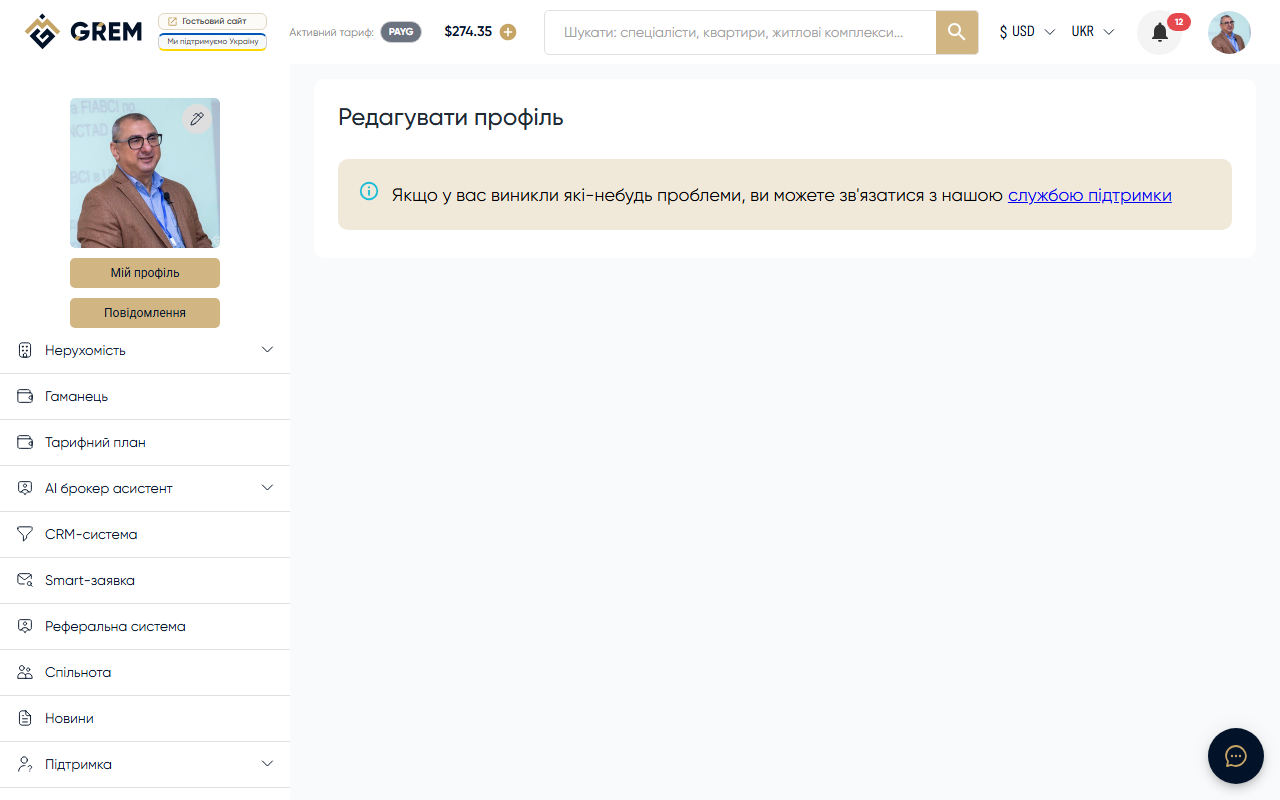
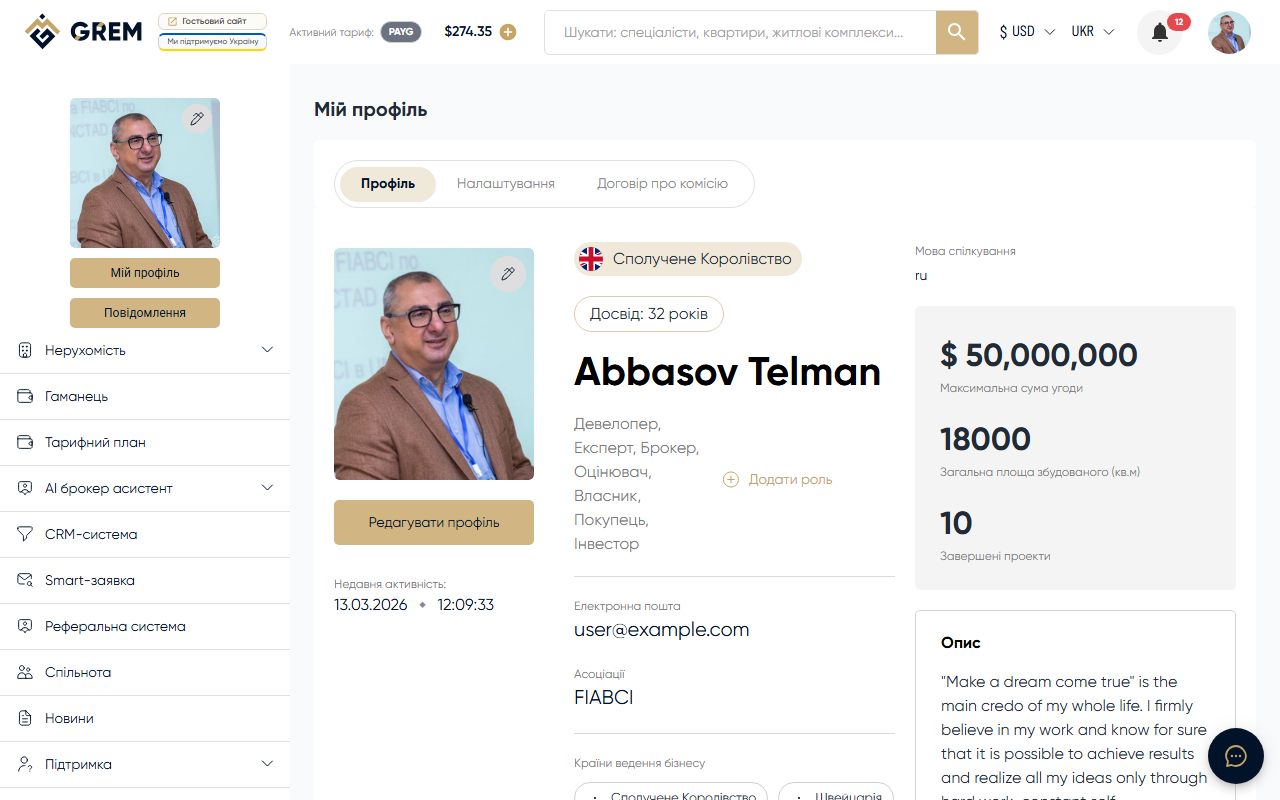
In the dashboard, go to My Profile > Info.
After registration, you'll be automatically redirected to this page.
Required Fields
For verification, you need to fill in:
| Field | Description | Rules |
|---|---|---|
| First name | Your first name | Latin characters only, no digits or special characters |
| Last name | Your last name | Latin characters only, no digits or special characters |
| Country | Your country | Select from the list |
| Contact languages | Languages you communicate in | Multi-select: English, Russian, Ukrainian, German, Spanish, Azerbaijani |
First and last name must be entered in Latin characters. Cyrillic, digits, and special characters are not accepted.
Optional Fields
These fields are not required but recommended:
- Phone — international format with country code. Phone verification is not required
- City — free text field
- Avatar — profile photo
Profile Photo (Avatar)
To upload a photo:
- Click on the avatar area or drag and drop a file
- Select a file or drag and drop
- Crop the photo in the crop dialog if needed
- Save your changes
Supported formats: JPG, JPEG, PNG, WEBP
Use a high-quality headshot on a neutral background. The system automatically creates multiple size variants.
Company Profile
If you've created a community profile, additional sections appear in your profile:
Basic Company Information
- Company name — legal name
- Type — one or more roles: Buyer, Seller, Broker, Investor, Appraiser, Developer, Architect, Notary, Management Company, Commercial Company, Development Company
- Description — about the company
- Year founded — when it was established
- Logo — logo file
Contact Person
- First name, last name, position, phone, email
Business Details
- Countries of operation
- Specialization (hotel, industrial, office, residential, retail, premium real estate, etc.)
- Years of experience, number of deals
- Project portfolio (files)
- Certificates and licenses (files)
Financial Data
- Working capital, assets, revenue, and other indicators (optional)
Account Settings
The Settings tab includes:
Password Change
Enter your current password and a new password (minimum 8 characters).
Web Push Notifications
Enable or disable browser push notifications. The first time you enable them, the browser will ask for permission. If you previously blocked notifications, you'll need to change the permission in your browser settings.
Active Sessions
View all devices you're signed in on. You can end individual sessions.
Interface Language
The platform supports 6 interface languages:
- English, Russian, Ukrainian, German, Spanish, Azerbaijani
Language can be changed in your profile settings or through the language switcher in the dashboard interface.
After Completing Your Profile
Once the required fields are filled in and your email is confirmed:
- Your profile receives a verified status
- Your profile becomes visible to other users
- Full access to all platform features is unlocked
What's Next
- Top up your wallet or use the free plan (14 days)
- Create your first property
- Try the AI tools: AI tools overview