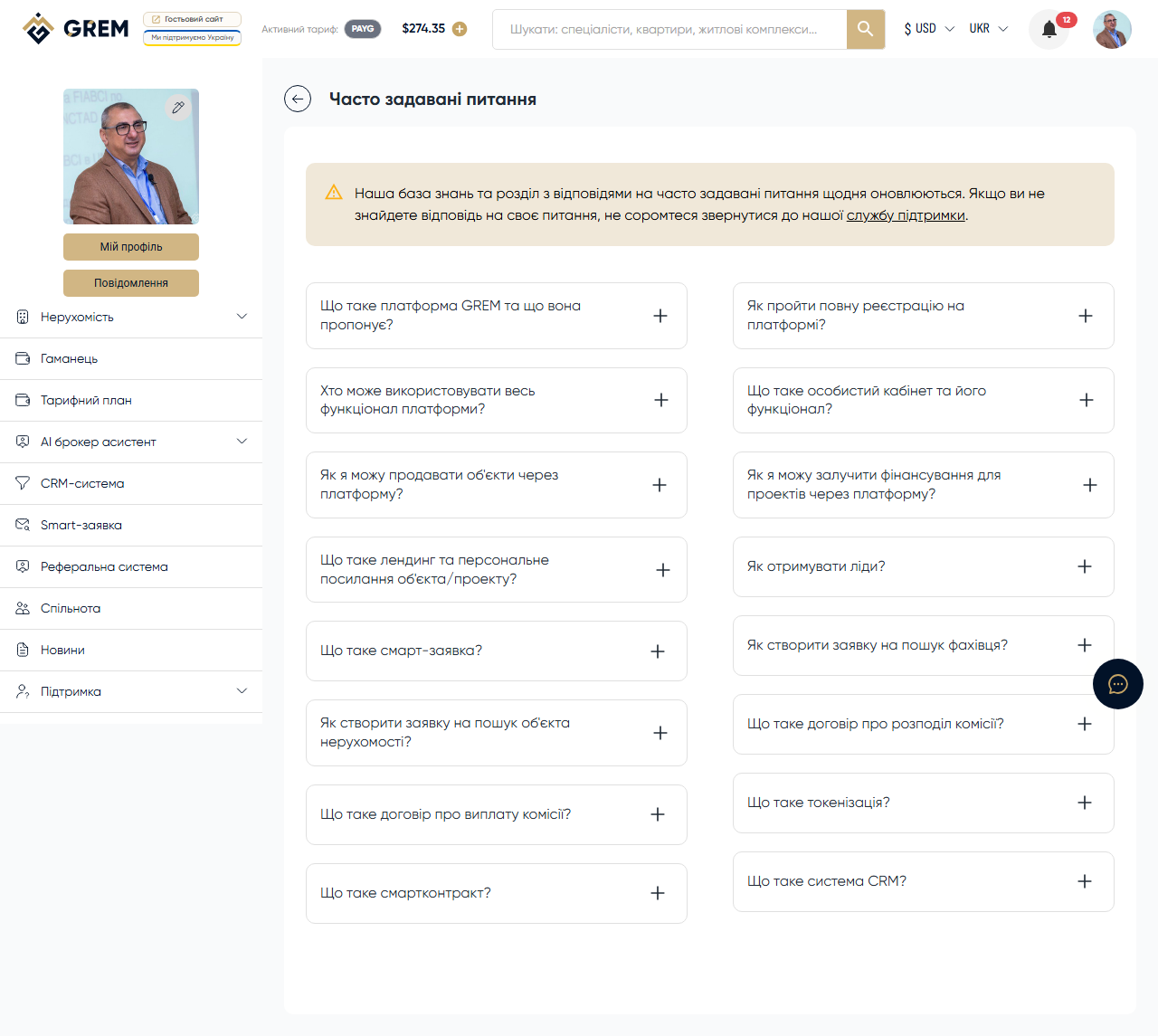
Registration and Account
How do I register on the platform?
Go to grem.capital and click "Register." Enter your email, create a password, and confirm your email. More details: Registration.
How do I reset my password?
On the login page, click "Forgot password?" Enter your email and follow the instructions in the email.
How do I change my email?
Contact support via a ticket. Changing your email requires verification.
Subscriptions and Payment
What pricing plans are available?
The platform offers Free, Start, Pro, and Max plans. Each plan has different limits and commissions. More details: Pricing Plans.
How do I top up my balance?
Through the payment system on the wallet page. Available currencies: USD, UAH, EUR, AZN. More details: Top Up Balance.
How do I cancel my subscription?
Go to the wallet page and select the free plan. The change takes effect at the end of the current billing period.
AI Tools
Why isn't the AI tool working?
Check: 1) whether you have sufficient funds in your balance, 2) whether the daily limit has been reached, 3) whether the input data is correct. More details: AI Tools.
How much does content generation cost?
The cost depends on the tool type and request volume. Funds are deducted from your wallet — you only pay for what you use.
Real Estate
Who can create properties?
Users with the Broker, Owner, or Developer Company roles. More details: Roles.
How do I publish a property?
Fill out the creation form, sign the commission contract, and submit for moderation. More details: Create Property.
CRM
How do I get access to CRM?
CRM is available for Broker, Owner, and Developer Company roles. More details: CRM.
Didn't find an answer? Create a support ticket, and a specialist will help you.